

- Practice Creating Functions
- Practice using Built-In Methods and Functions
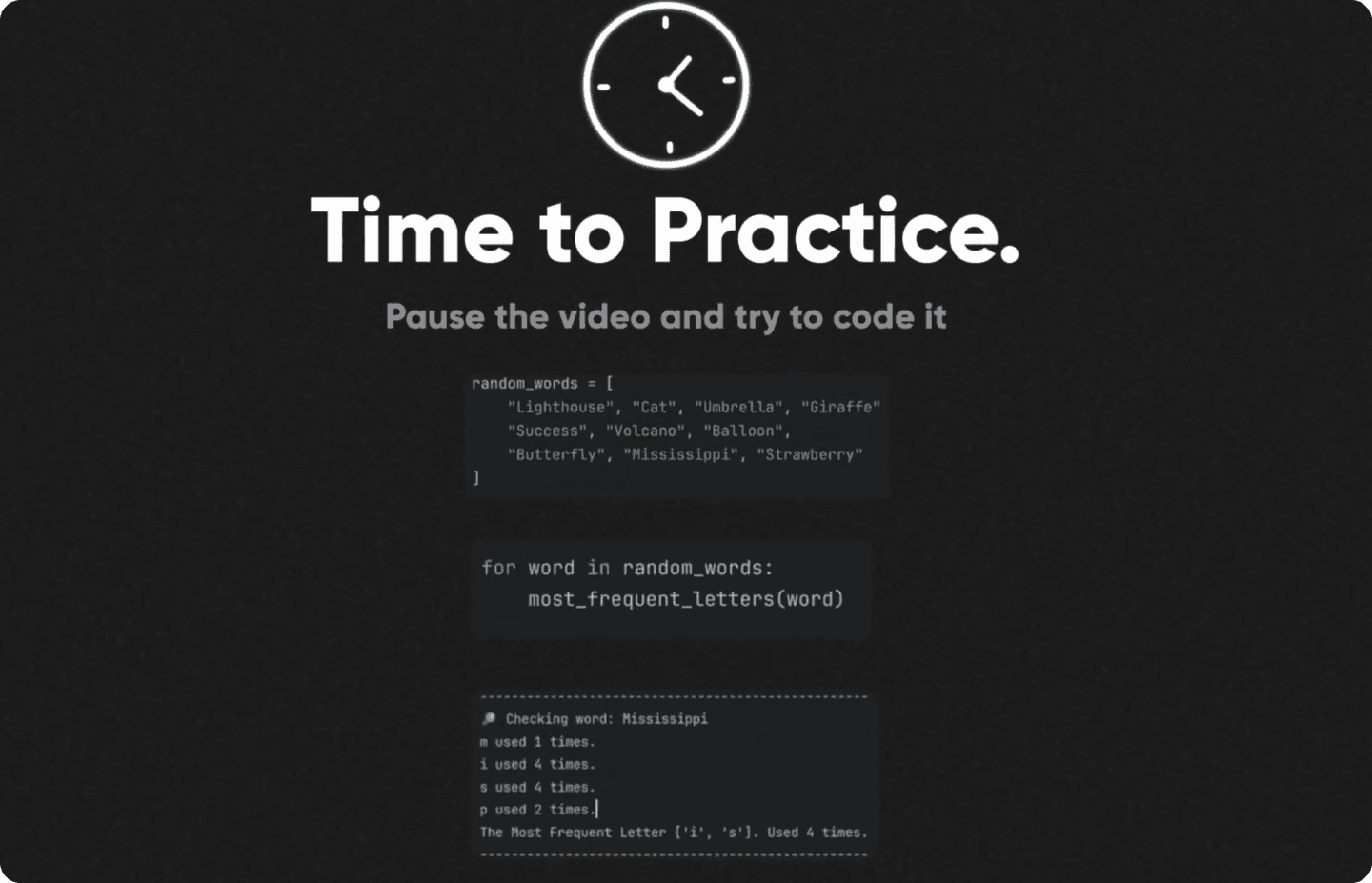
The Most Frequent Letters
Practice time!
This time we'll focus on creating custom functions and using a few built-in methods and functions.
The Goal:
🔹Take a list of words
🔹Create a loop for words
🔹Calculate how many times each letter appears
🔹What is the most frequent letter(s) in the word
As always, pause here and try it on your own first. Then come back and let's do it together.
Ready? Set. Code🚀
💻Setup Your Script
Let's brainstorm and create a quick layout for the script. Feel free to comment additional logical steps if you want to.
🔹Define a list of words
🔹Create blank function
🔹Create a loop for words
🔹Execute function on each
For now if you execute nothing is going to happen because our function only has a pass keyword, which means DO NOTHING. It's used as a placeholder.
Now let's add some logic.

Count Letters
Let's start working on a function.
I'm going to add some print statements and then we'll focus on the first step - count letters
Now if you execute, you'll be able to see how many times each letter is used.
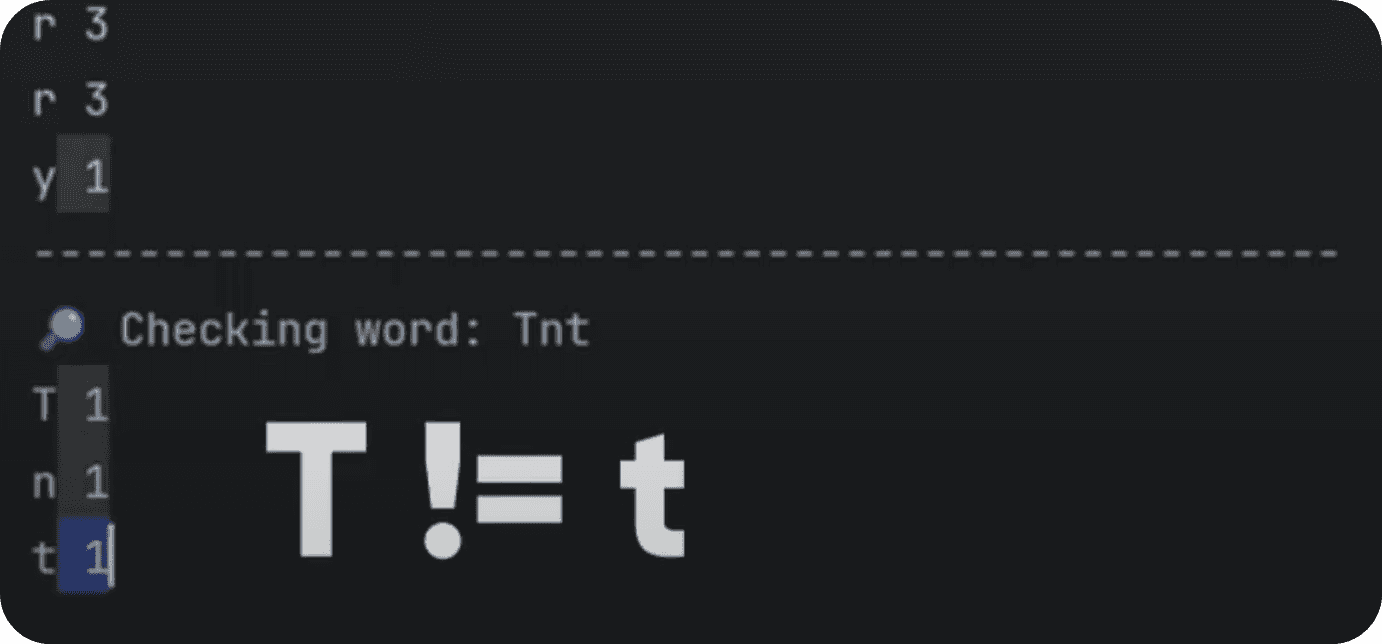
💡 Notice that Uppercase and Lowercase letters aren't counted as the same. So, we need to convert all letters into lower() or upper(). We can add this line on the top of function:
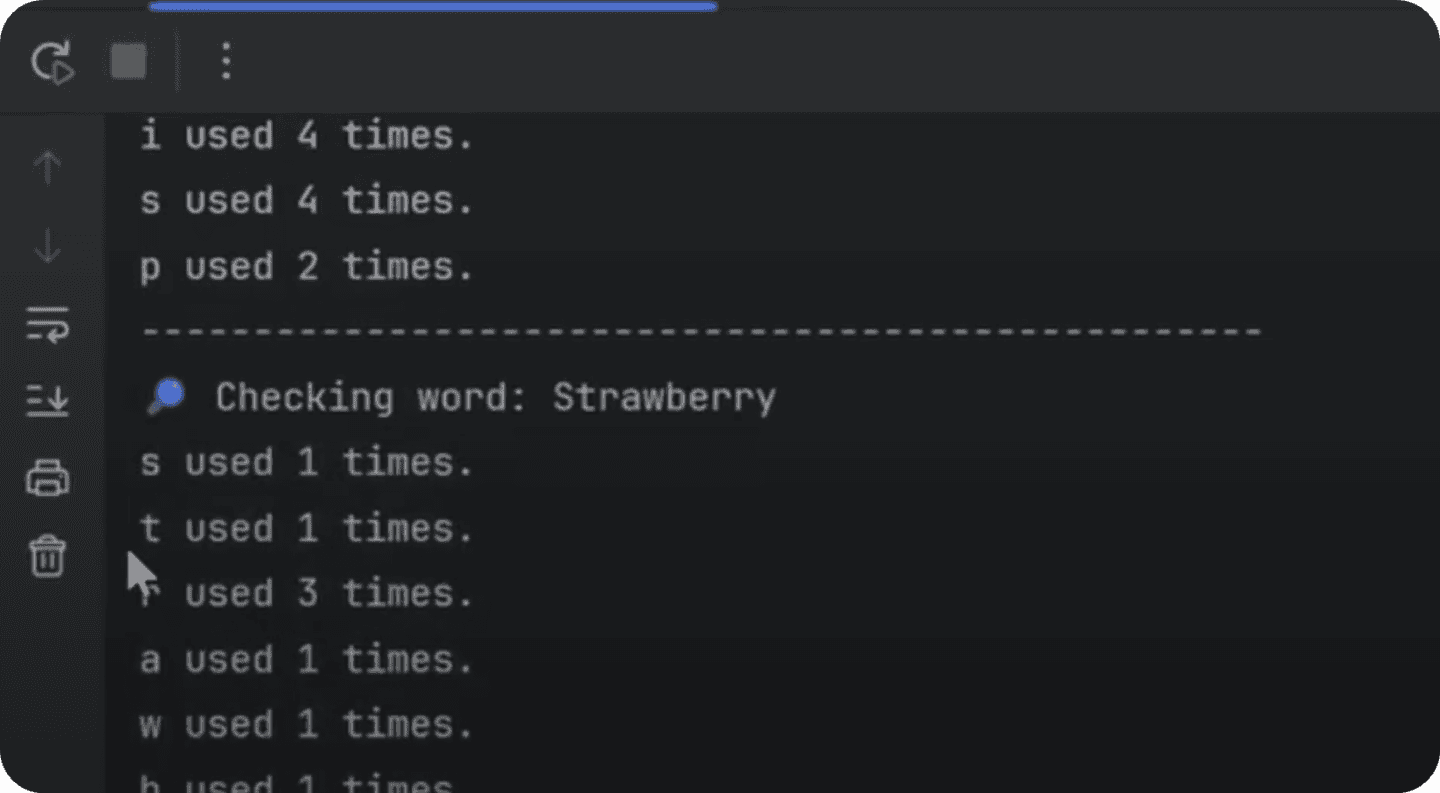
💡 Also you can notice that letters are repeating, so we might need to store information to avoid duplicate print statements.
So we've made a few changes:
🔹Made all letters lowercase
🔹Create dict container
🔹Check if letter is already in a dict to avoid duplicates
🔹Add letter to dict with count value
🔹Print Dict
Here's how it looks now:
Find Max Count
Now to find max value we can get a list of all values() and put it inside max() function.
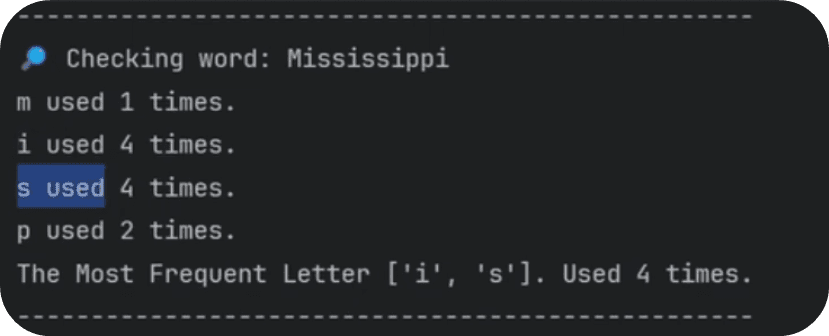
Now, let's iterate over characters in the dict and find all letters that have the most count. And keep in mind that multiple letters can have the same max value, so let's group them in a list.
And here's the final result:
Final Touches
Lastly, we can fix a few minor details in the code.

Firstly, let's return some values from our function in case we'd want to reuse them. Just scroll all the way down of the function and write
💡PS. Notice we're returning 2 values and they are going to be combined into a tuple.
So here's how we'd use these returning values in the main section:
And lastly, we can fix print statement so we display singular/plural ending for:
used 1 time / times . It's just a simple logical statement
💻 Final Code
Now let's put it all together into a single script:
Summary
Great Job! During this lesson:
You created a reusable function.
You practiced loops, dictionaries, and string methods.
You learned how to return multiple values from a function.
And you cleaned up the output for readability.
💡Remember, that there are always many ways to solve the same problem. If your solution looks different that's totally fine as long as it works. Focus on getting from A to B and there might be many journeys to get there.
Happy Coding!
🙋♂️ See you in the next lesson.
- EF
Follow along the lesson and create this quick tool.
If you feeling like adding extra features, then sort letters based on the count value or alphabetically if multiple letters share the same count value.
⌨️ Happy Coding!